Power BI
From data import to deployment: Power Query, modelling, DAX and the Service.
Access: an e-mail address is enough, you receive a sign-in code. Free modules need no bank card.
What you will be able to do
- Import, clean, type, combine and unpivot data in Power Query
- Build a first model, simple measures and a readable page of visuals
- Publish and share a report in the Power BI Service, with its refresh
- Make queries dynamic: parameters, custom functions, reconciliations
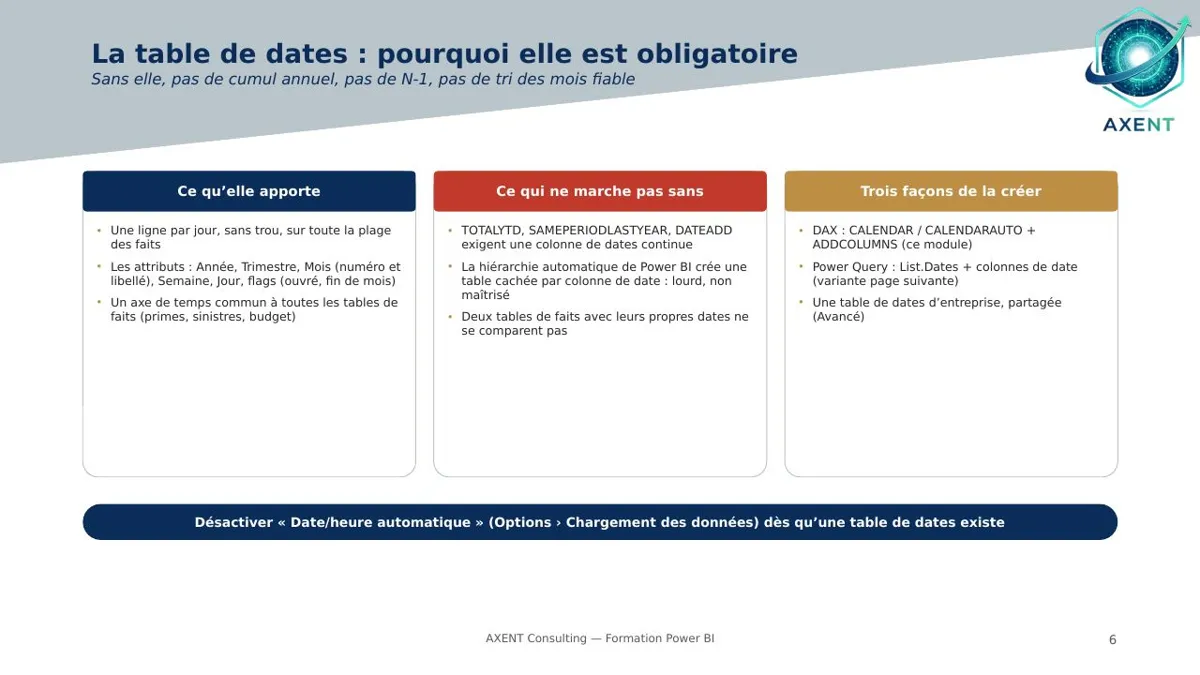
- Master the star schema, CALCULATE, filter context and date calculations
- Go further with DAX, M, modelling, performance, row-level security and governance
Who it is for
Analysts, controllers and finance teams who prepare data and produce Power BI reports, from import to deployment.
Prerequisites
No prerequisites for the foundation modules; the advanced modules assume the earlier ones.
Included
- Video with chapters
- PDF slides
- Marked quiz
- Verifiable certificate
Programme
Fundamentals
- 00Introduction: Power BI, understanding the platform
- 01Importing the data
- 02Cleaning the data
- 03Setting column types
- 04Combining tables
- 05Unpivoting a table
- 06Merge and first model
- 07Simple measures
- 08Creating visuals
- 09Publishing and sharing
Intermediate
- 10Parameters and dynamic sources
- 11Custom functions
- 12Grouping and reconciling
- 13Star schema and date table
- 14CALCULATE and filter context
- 15Date calculations
Advanced
- 16Advanced DAX
- 17Advanced M language
- 18Advanced modelling
- 19Optimising performance
- 20Row-level security
- 21Governance and deployment
Training a team? Access for several employees, on quotation. admin@axent-consulting.com